Cascadia Design System
Certn • 2022–Present

Overview
Cascadia started as one user flow refresh. Six months later, Certn rebuilt the entire platform — and our design system became the foundation for everything.
I led Cascadia from tokens to 40+ components, established accessibility standards, and maintained consistency across distributed teams at startup speed.
Timeline: 2022–Present
Scope: Complete design system supporting 4+ applications
Team: Small, distributed, async product team
My Role: Lead Designer & Owner
"What started as improving one applicant flow became the foundation for rebuilding an entire platform."
In 2022, the plan was incremental: create a more secure applicant experience on our existing platform. We were using Ant Design, which limited our control over accessibility, theming, and brand.
In 2023, Certn pivoted: rebuild from scratch instead of patching the legacy system.
Cascadia's scope exploded overnight — from one flow to supporting the entire new platform: applicant experience, client portal, admin tools, and mobile apps. I had to build a system that could handle all of it while the product was actively being designed around it.
My Role
System Architecture: Defined complete token system, structured theming (light/dark), made decisions on what belongs in the system vs. product-specific
Design Execution: Created every component in Figma, established all interaction states, built prototyping components
Accessibility: Ensured WCAG compliance at foundation level, defined focus states and keyboard navigation
Collaboration: Aligned with engineering on implementation, created documentation, maintained and evolved the system without gatekeeping

Process
Research & Learning
Rather than auditing what wasn't working with Ant Design, I looked forward — studying how mature design systems approached foundational problems. Material Design, Atlassian Design System, and Polaris became my references for component architecture, token systems, and accessibility patterns.
I wasn't trying to copy these systems. I was learning their logic so I could build something tailored to Certn's actual workflows and product needs.

Building the Foundations
Color: Rebuilt the entire system mid-project when dark mode requirements came in. Hand-selected every color to meet WCAG AA across both themes.
Tokens: Used semantic tokens (primary, error, success) instead of direct values — change the appearance by updating tokens, not every component.

Async Collaboration
Our distributed team and feature-focused engineers meant I had to keep Cascadia moving without constant meetings:
Early phase: Daily alignment with developers on feasibility, patterns, and naming
As velocity increased: Clear documentation became critical — consistent Figma organization, usage guidelines, and lightweight governance principles
Ongoing: Regular check-ins with dev leads to catch drift and prioritize system needs

Continuous Evolution
We constantly decided: Does this pattern belong in the system, or is it product-specific? Our approach:
-
Build only what we need, when we need it
-
If 2+ teams need it, it probably belongs in the system
-
Ship good components that solve 80% of cases vs. waiting for perfection
-
Treat drift as feedback — if people deviate consistently, the component needs updating
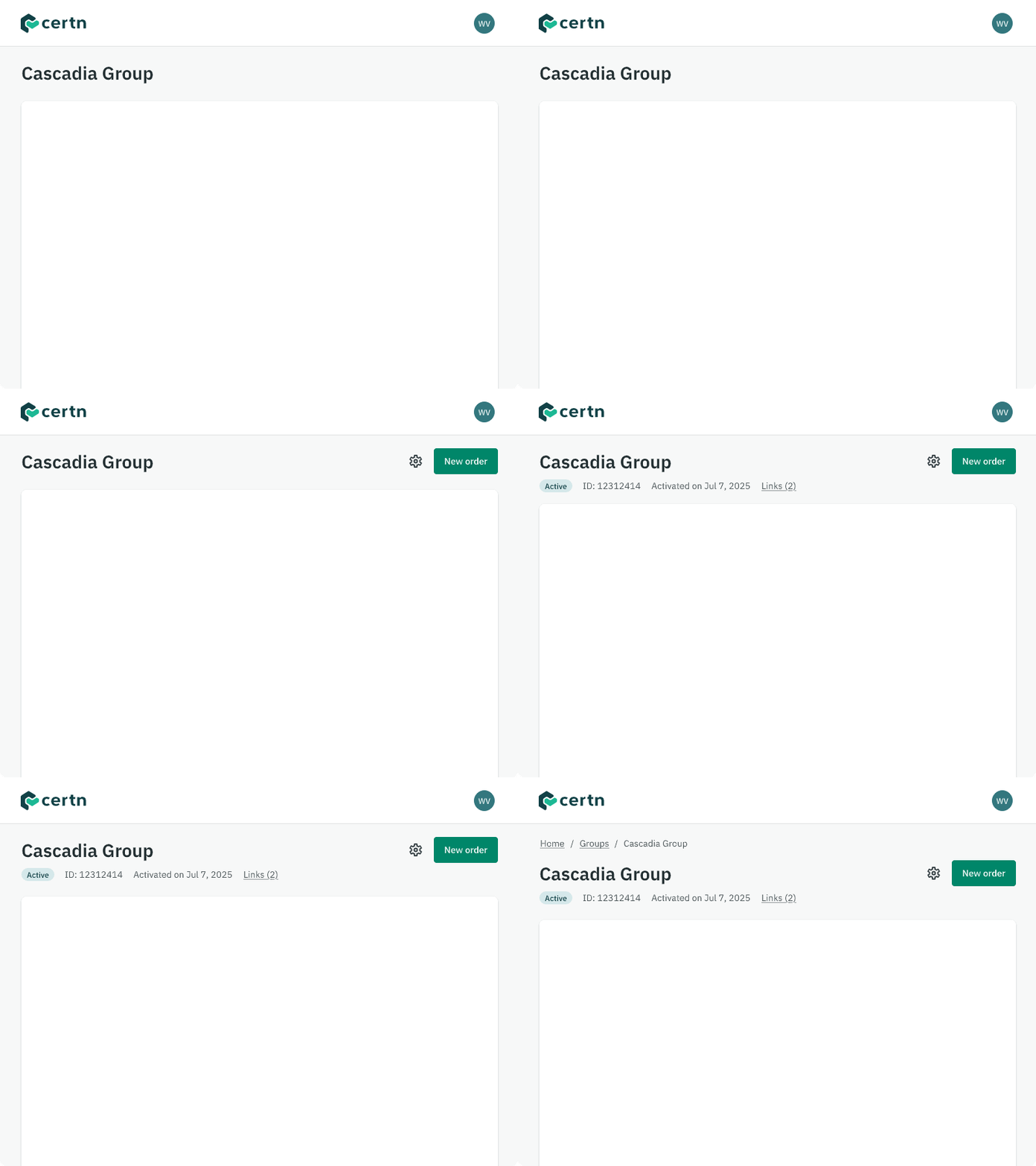
Cascadia evolved alongside the products it supported through constant small improvements, not big redesigns.
Accessibility as a Foundation
I wanted Cascadia to make accessible design automatic, not something designers had to manually check.
Color Contrast: Every token pairing tested against WCAG AA. Using semantic tokens guaranteed compliance — designers couldn't create inaccessible combinations.
Focus States: Every interactive component has defined focus states with 2px outlines. Keyboard navigation works consistently.
Complete Documentation: Every component documented with all states (default, hover, focus, pressed, disabled, error). Form inputs with proper labels, 44×44px touch targets, semantic HTML guidance.
Result: Teams got accessible interfaces by default. System-wide updates happened at the token level, not across hundreds of screens.
"Accessibility wasn't a checklist — it was automatic."
What I Delivered
-
A unified color system across products
-
Core UI components ready for development
-
Defined interaction states (Default, Hover, Selected, etc.)
-
A consistent visual language that worked within Unity’s constraints
The system made prototypes feel more realistic and gave developers clearer direction, reducing back-and-forth and helping new UI features get built faster.
Impact
Development Speed: Reusable patterns meant faster builds. Features assembled from existing components instead of requiring custom design.
Design Consistency: Unified visual language across the platform despite distributed teams.
Accessibility by Default: Teams got compliant interfaces without manual checking. Platform audit showed minimal issues vs. legacy.
Foundation for Growth: Now supports applicant experience, client portal, admin tools, mobile apps, and products in development.
Some drift occurred as teams moved fast. But Cascadia gave the organization a shared design foundation that could scale.

Reflections
Cascadia supported a massive pivot, from incremental improvement to complete platform rebuild, without slowing product development.
With unlimited resources: I would refine based on usage patterns, strengthen governance with a design/engineering working group, expand documentation with video walkthroughs, build out micro-interactions and polish.
Key learnings: Strong foundations matter. Documentation is as important as components. A design system is a product — treat it like one. Iteration beats perfection.
Cascadia gave Certn a common language and foundation to scale. That was the goal.